Tavlum
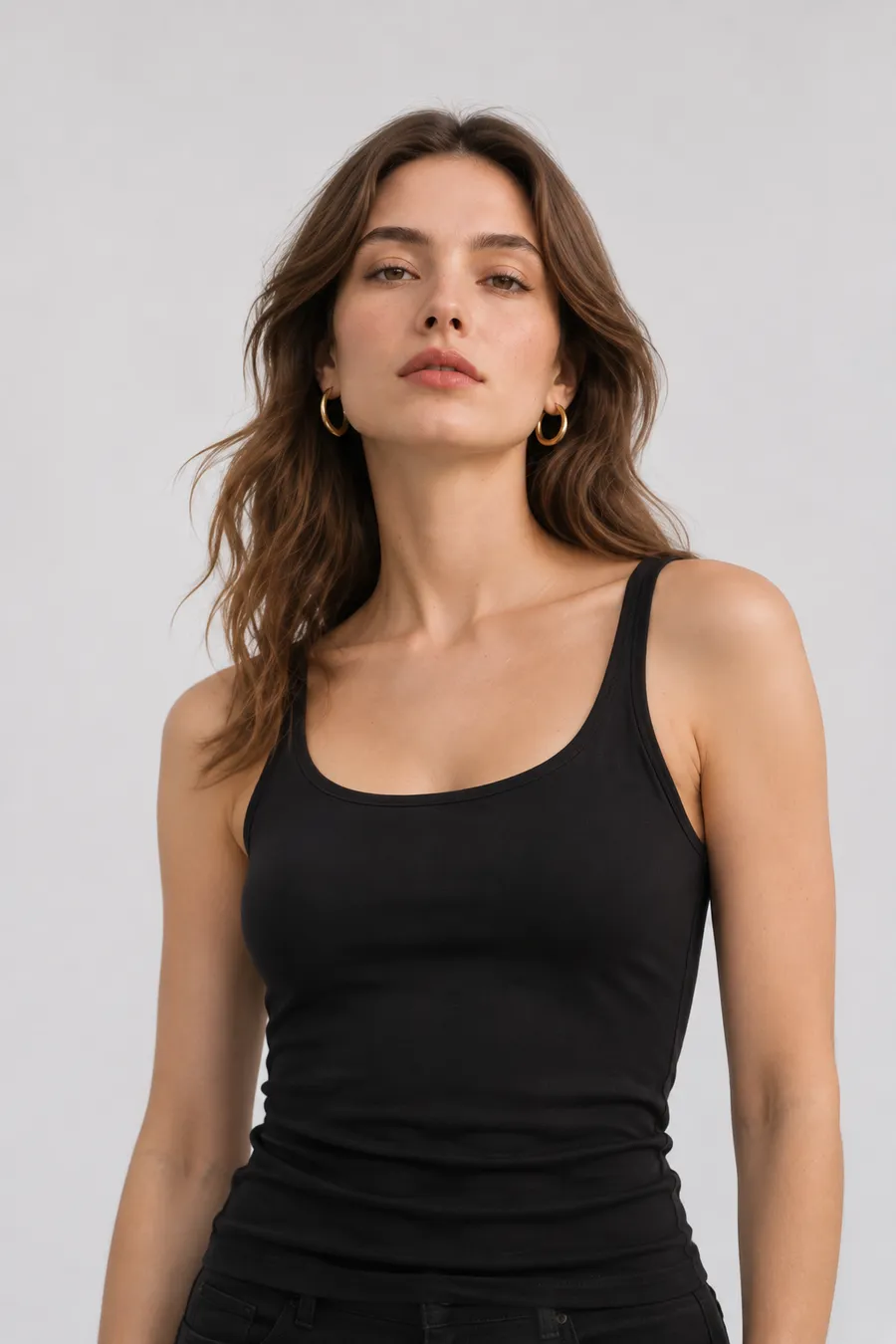
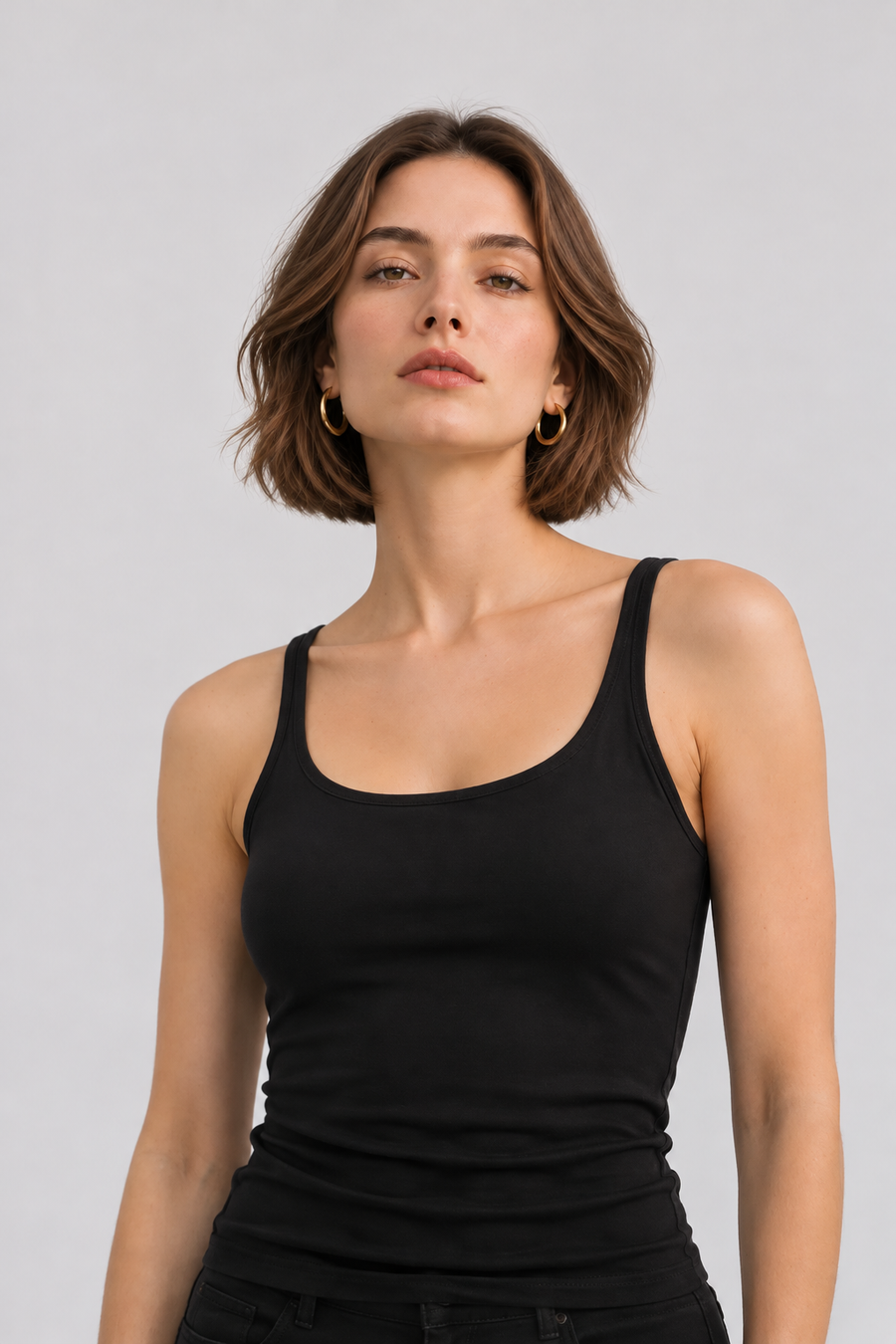
Virtual hairstyle try-on lets you preview a new haircut or hair color on your own photo before committing at the salon. Upload a clear portrait, pick a hairstyle reference or describe a cut for your face shape, and compare lengths, fades, bangs, and colors side by side.
What you can change
- Women’s cuts such as bob, bixie, wolf cuts, curtain bangs and waves
- Men’s haircuts such as fades, textured crops, buzz cuts and medium layers
- Hair color previews from blonde and brunette to copper and highlights
- Testing multiple cuts against your face shape on the same portrait
How it works
- Upload a sharp, front-facing portrait photo with even lighting.
- Open Try On, select Hairstyle, and pick a style or upload a reference photo.
- Generate the preview for 1 credit and slide to compare with your original photo.
- Save the versions you like to show your stylist at your appointment.
Tips for the best result
- Pull hair slightly back from your face so your jawline and forehead are visible.
- Use even daylight against a plain background.
- Pick a reference photo taken from a similar angle to your portrait.
- Change length or color one step at a time when comparing options.
Good for
- Testing bangs, a fade, or a shorter cut for your face shape before the salon
- Previewing a new hair color against your skin tone
- Comparing two or three haircut ideas side by side
- Bringing a visual reference to discuss with your hairstylist
What to expect
AI hairstyle previews are visual ideas only. They cannot assess your hair density, curl pattern, or growth direction—always consult your stylist before cutting or coloring.
Each standard photo generation uses 1 credit. See plans and credits.
Hairstyle preview guide · Photo try-on · Keep face consistent · View examples