Tavlum
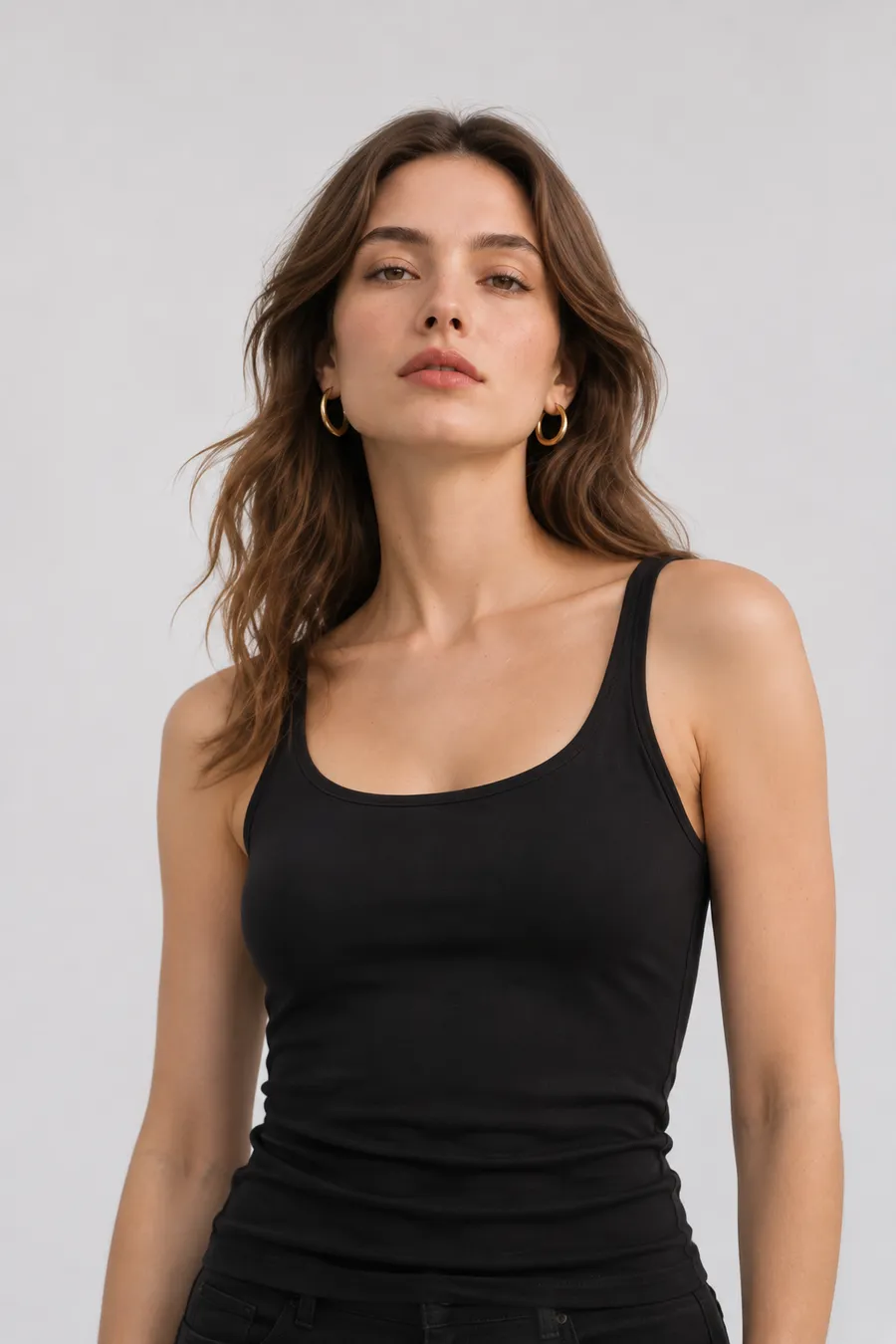
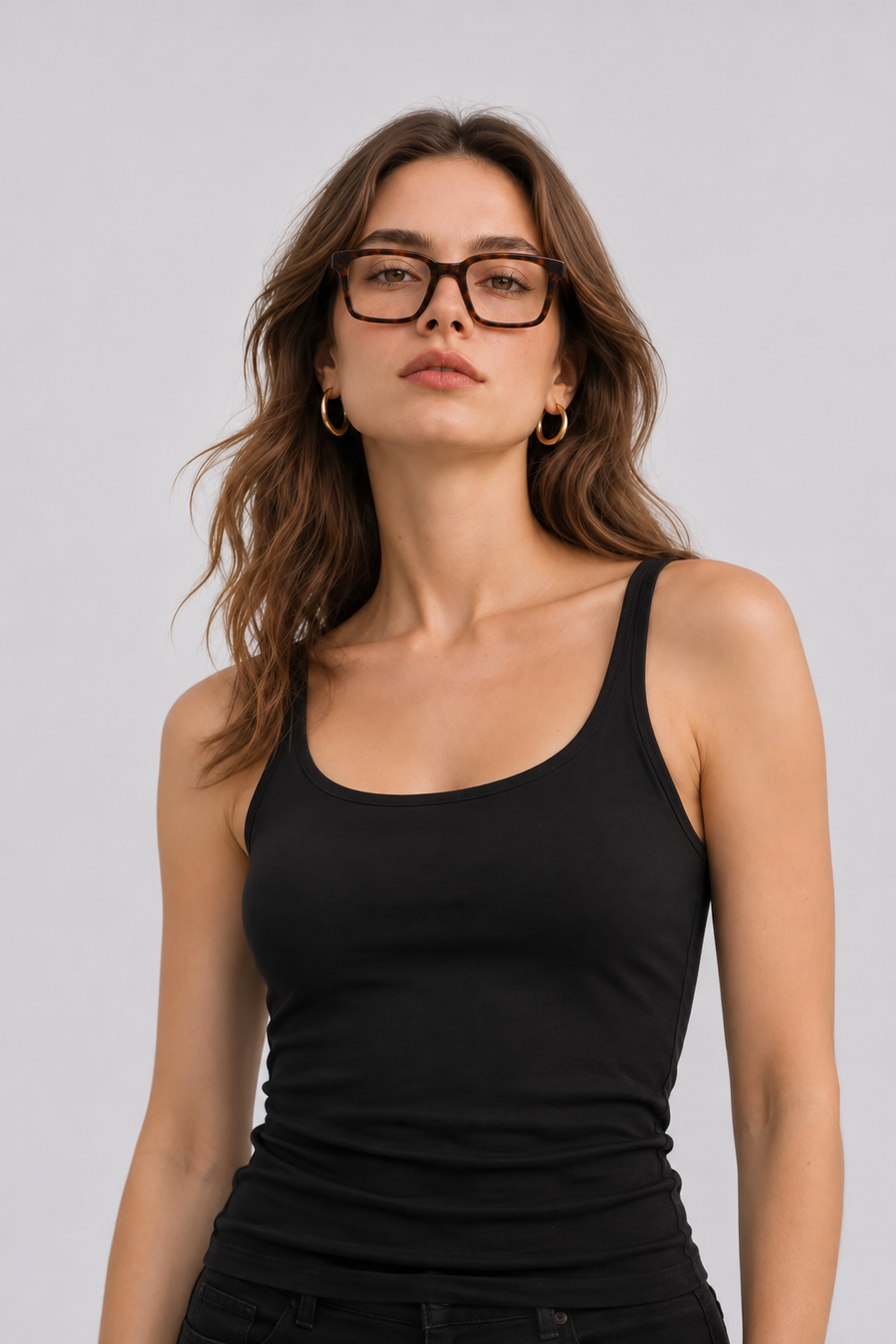
 virtual glasses try-on places eyeglasses, sunglasses, or blue light frames onto your own portrait photo so you can check frame shape and color against your face. Use photo try-on for side-by-side comparisons, or switch to Live Try-On to see frames move with you on camera.
What you can change
- Eyeglasses and optical frames
- Sunglasses and tinted lenses
- Blue light and reading glasses
- Combining glasses with hats, jewelry or hairstyles
How it works
- Upload a sharp, front-facing portrait photo in even daylight.
- Select Glasses in Try On and pick a frame from the catalog or upload a product photo.
- Generate the preview for 1 credit and drag the slider to compare with your original photo.
- Try several frame shapes on the same photo to compare them side by side.
Tips for the best result
- Face the camera straight on with your eyes and eyebrows clearly visible.
- Remove existing glasses before taking your source photo.
- Avoid harsh reflections or strong shadows across your face.
- Use a clear front-facing product image of the glasses frame.
Good for
- Checking whether round, square or aviator frames suit your face shape
- Comparing sunglasses or blue light glasses before ordering online
- Testing frame colors with your hair and skin tone
- Sharing frame options with a friend for feedback
Photo try-on or live camera try-on?
Photo try-on costs 1 credit per image and makes it easy to compare several frames on the exact same portrait. Live try-on runs on your camera for 15 seconds (4 credits) or 30 seconds (8 credits) so you can turn your head and see angles.
What to expect
Virtual glasses try-on previews frame style and shape only. It does not measure bridge width, lens width, or temple length. Always check the retailer’s frame measurements before ordering.
Each standard photo generation uses 1 credit. See plans and credits.
Glasses and accessories guide · Photo try-on · Live try-on · View examples