Tavlum
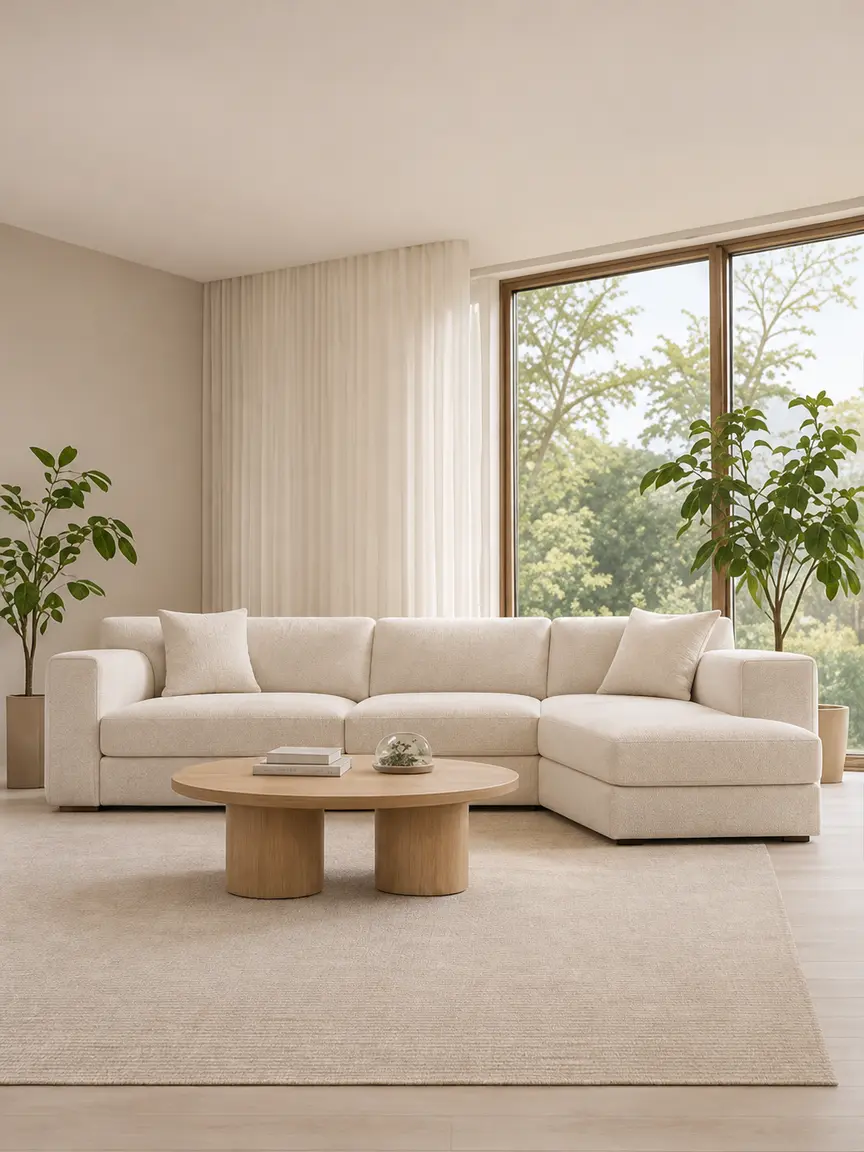
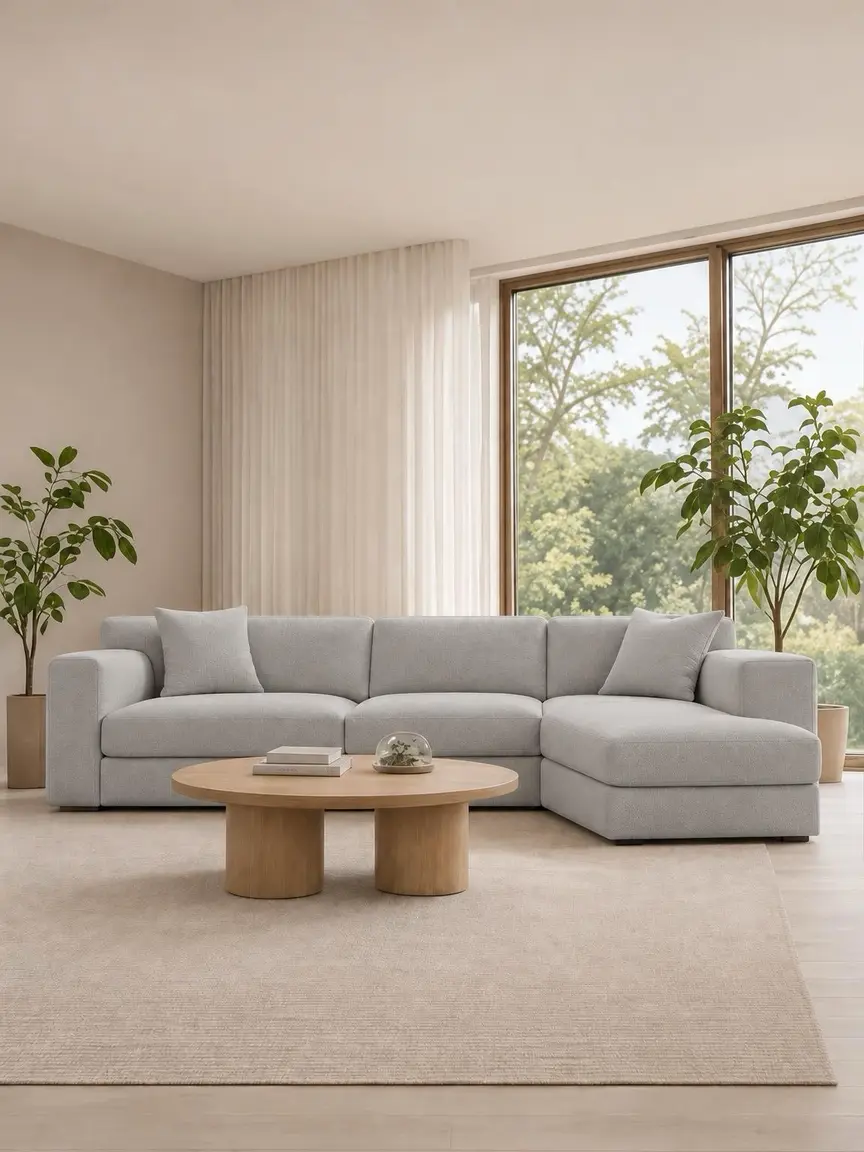
’s AI room design starts from a photo of your actual space, not a blank template. Start from the walls, windows and layout you already have, then test a new sofa, a different lamp, a paint color or a full change of style. Every result sits next to your original so you can compare before you spend money.
What you can change
- Furniture: upload a product photo of a sofa, bed, table or chair
- Lighting, rugs and decoration
- Wall colors and finishes
- Flooring, or a complete change of style described in words
How it works
- Take a wide, straight-on photo of your room.
- Choose a design style or upload a piece of furniture to test.
- Optionally describe the change, such as “warm oak floor and a linen sofa”.
- Generate and compare the new look with your original space.
A real Tavlum result
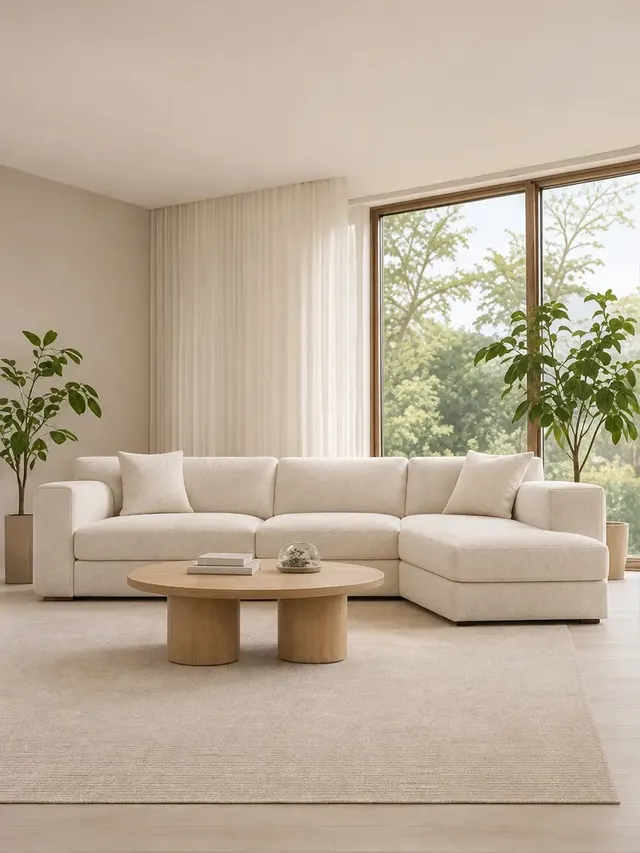
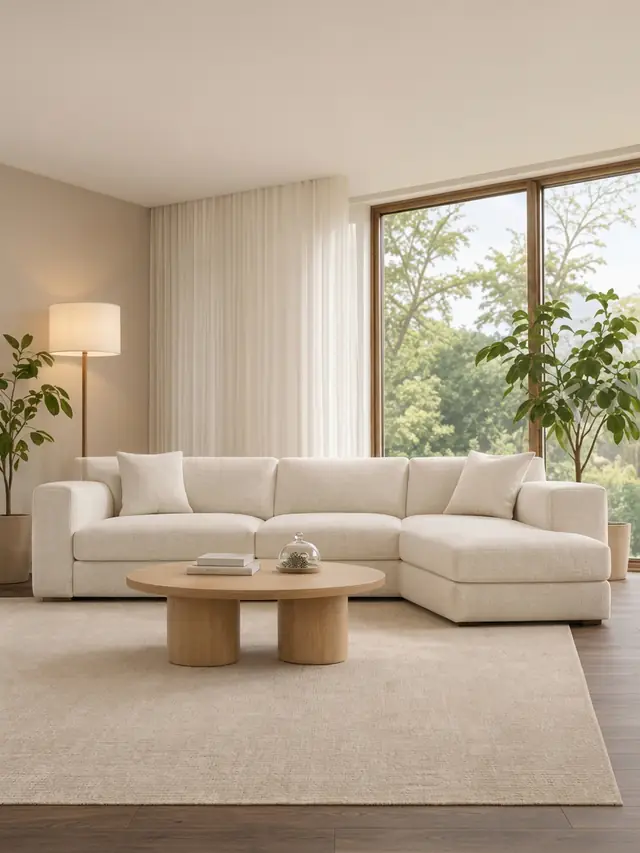
A floor lamp with a warm glow appeared beside the sofa. Its base is hidden behind the sofa, and nearby plant leaves and wall were partly redrawn.
Tips for the best result
- Shoot from a corner at chest height to show as much of the room as possible.
- Use daylight or turn the lights on so dark corners keep their detail.
- Clear clutter from the area you want to change.
- For a single product, use a product photo taken from a similar angle.
Good for
- Seeing whether a sofa suits your room before ordering
- Comparing two or three paint colors
- Planning a rental-friendly refresh
- Showing a partner or client a concept
What to expect
Room previews are visual concepts only. The AI does not measure your room, so scale can be approximate. Always measure your space and furniture before buying or renovating.
Each standard photo generation uses 1 credit. See plans and credits.
Room redesign guide · Floor visualizer · Wall color guide · Furniture visualizer · View examples