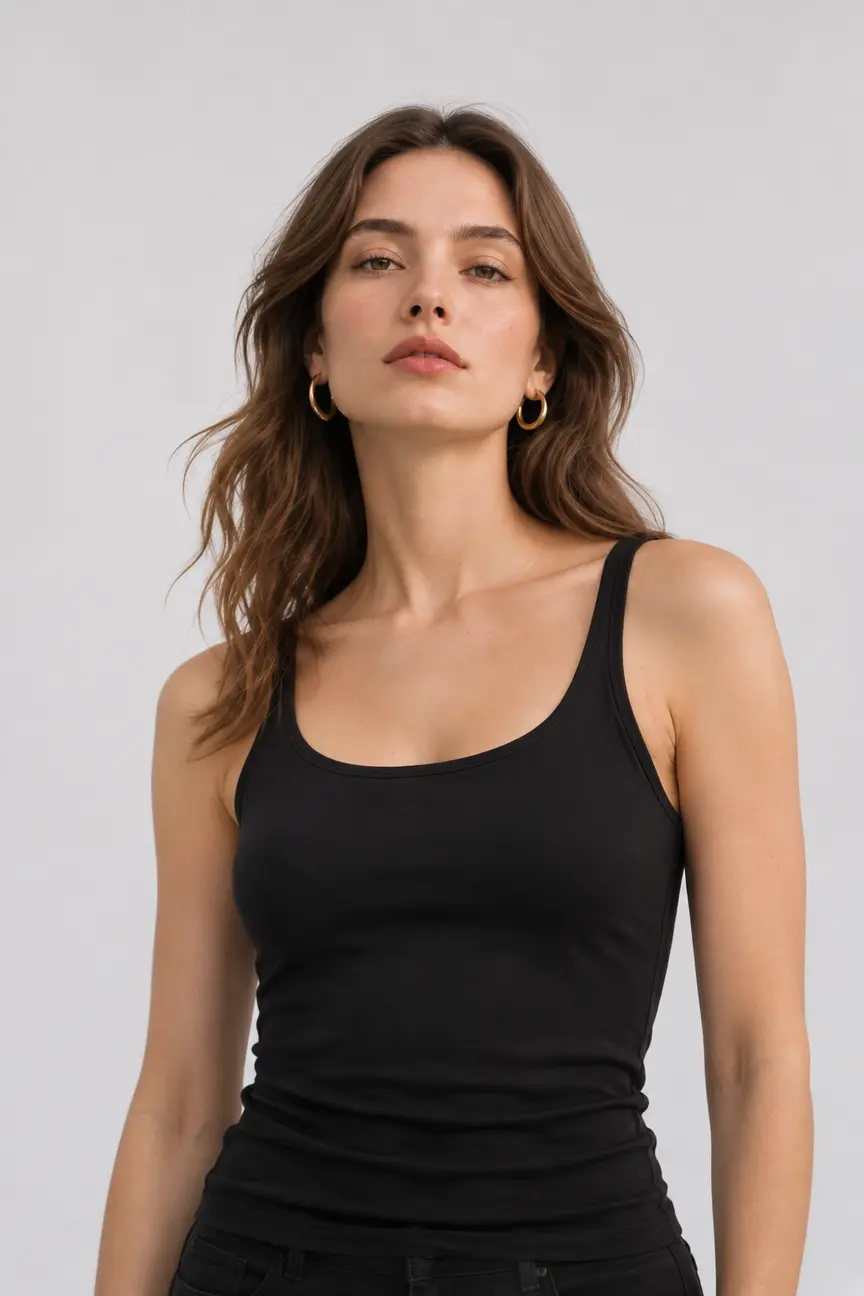
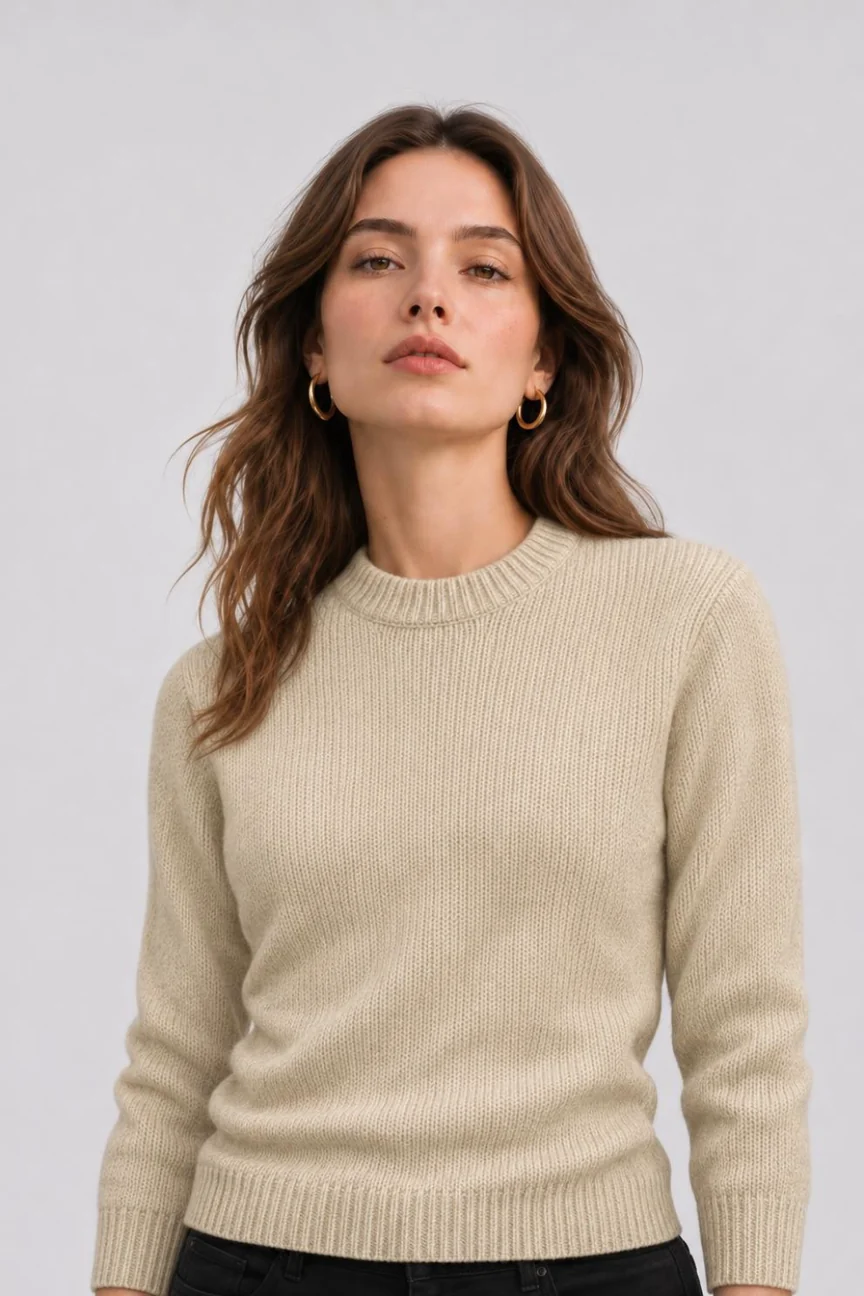
Tavlum
Prepare product and model references
- Model photos: sharp, evenly lit photos of people or mannequins you own or are licensed to use, with the clothing area unobstructed.
- Product references: one garment per image, flat lay or on a mannequin, with the full item visible.
- Keep the lighting and angle of the model photo and the product image close to each other.
Generate a batch
- Open Batch in the web studio and add model photos and product images.
- Run up to 20 images per batch on Pro, 50 on Business Plus or 100 on Business Pro. Each image uses 1 credit, and failed images are refunded automatically. See cancellation and refunds for subscriptions.
- Open each result next to its original to review it.
One product image on one model photo
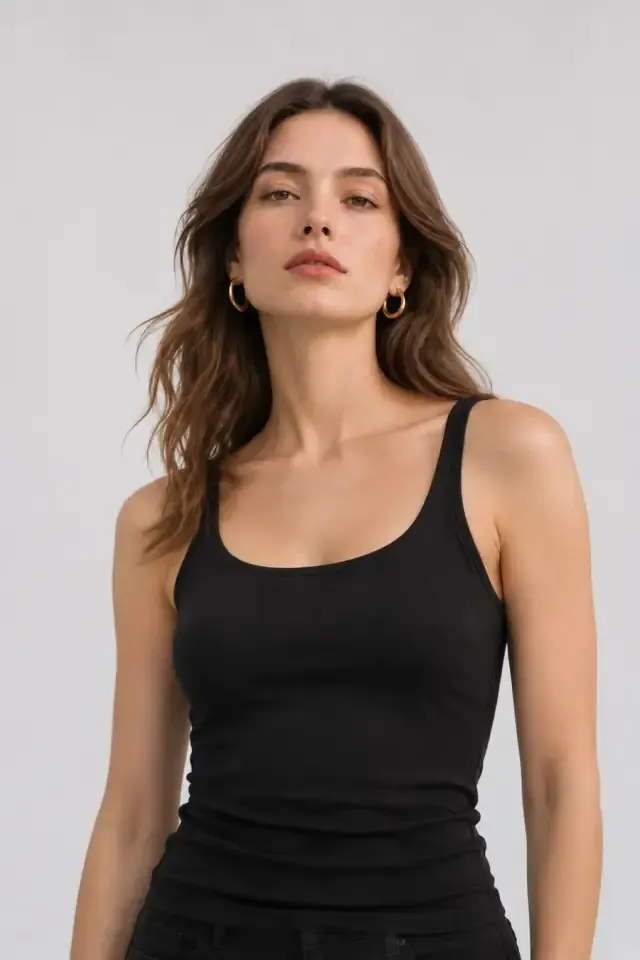
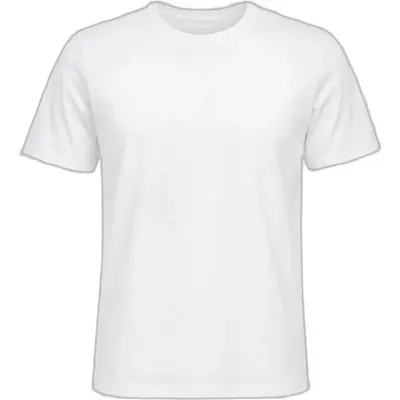

The T-shirt replaced the tank top with a complete neckline, sleeves and hem. Face, earrings, pose and background stay close to the original, but hair strands over the shoulders were redrawn, so this is not a pixel-for-pixel copy.
This is a single recorded run. A batch repeats the same step for every photo and product image you add, at 1 credit per result.
Review every result
AI previews are not product photography. Before you publish, check each image for:
- Garment shape, length and fit lines
- Logos, prints and small text
- Color against the real product
- Seams, buttons, zips and hems
- Hands, hair and the edges where the garment meets the body
Regenerate or skip any image that misrepresents the product, and label AI-generated imagery where your marketplace requires it.
Product scenes for home goods
The same studio can place furniture, lighting or decor in a room photo for concept images. Treat these as visual ideas: scale and materials are approximate.
Team plans
Business plans give a team one shared credit pool and seats you invite by email or link. Business Plus includes 3 seats and 300 shared credits each month. Business Pro includes 8 seats and 900 shared credits each month. Prices and extra seats are on the pricing page.
On-model photo guide · Examples · Plans and credits · Support