 Tavlum
Save your clothes in a digital wardrobe
Add clothing images once, organize them by category, mark favorites, and reuse them for try-ons and looks.
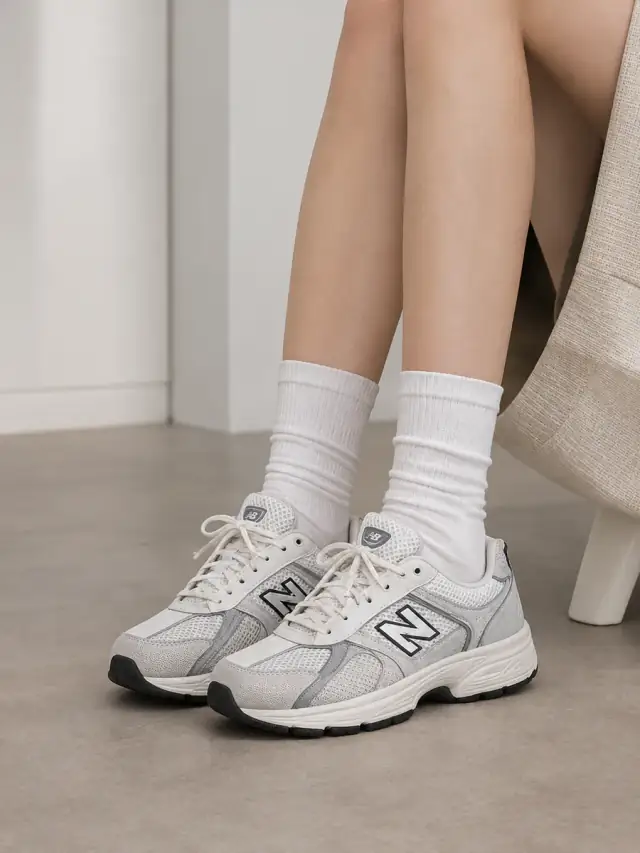
Add clothing images to your wardrobe so you can reuse them without uploading each item again. Organize pieces by category, mark favorites, and use them for a photo try-on or a saved look.
Add and organize clothing images
Add a photo of a garment, pick its category and mark the pieces you use most as favorites.
Reuse an item in a try-on
Select a saved item and start a photo try-on without uploading it again.
Combine items into looks
Group several items into a named outfit on the Looks page.
Access your wardrobe across Tavlum
Your wardrobe syncs across the apps and tavlum.com when signed in with the same account. Saved images are stored in your account; see privacy and data.
AI previews are illustrative and do not determine sizing, physical fit, or exact colors.
Common questions
What is the Tavlum wardrobe?
Your wardrobe saves clothing and accessories you upload so you can reuse them across photos without re-uploading.