 Tavlum
Build a look from your saved clothes
Combine saved garments into an outfit, name the look, and preview it on your photo.
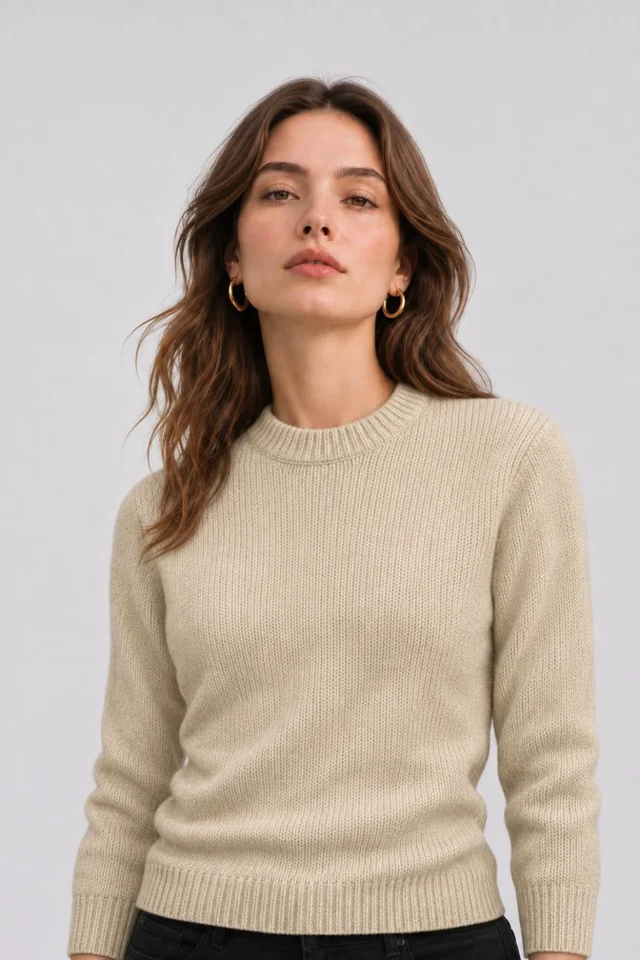
Choose pieces from your wardrobe, combine them into a saved look, and try the outfit on your photo. Use the same original image to compare alternatives. Looks helps you reuse outfits you assemble yourself.
Combine pieces from your wardrobe
Pick saved items from different categories, such as a top, bottoms and shoes, and give the look a name.
Save and reuse a look
Open a saved look later and try it on another photo. Looks saved in the apps also appear on tavlum.com under the same account.
Compare full outfits
Try two looks on the same photo and compare the results side by side. On the web you can also connect up to 4 items, one per category, to a photo on the canvas; see the full outfit guide.
What Looks does not do
You choose the pieces. Looks does not recommend outfits, analyze your body or check physical size.
AI previews are illustrative and do not determine sizing, physical fit, or exact colors.
Common questions
What is a look?
A look is a saved outfit combination from your wardrobe that you can apply to another photo.