 Tavlum
Photo Try-On
Upload your photo and a garment to preview the outfit and compare with the original.
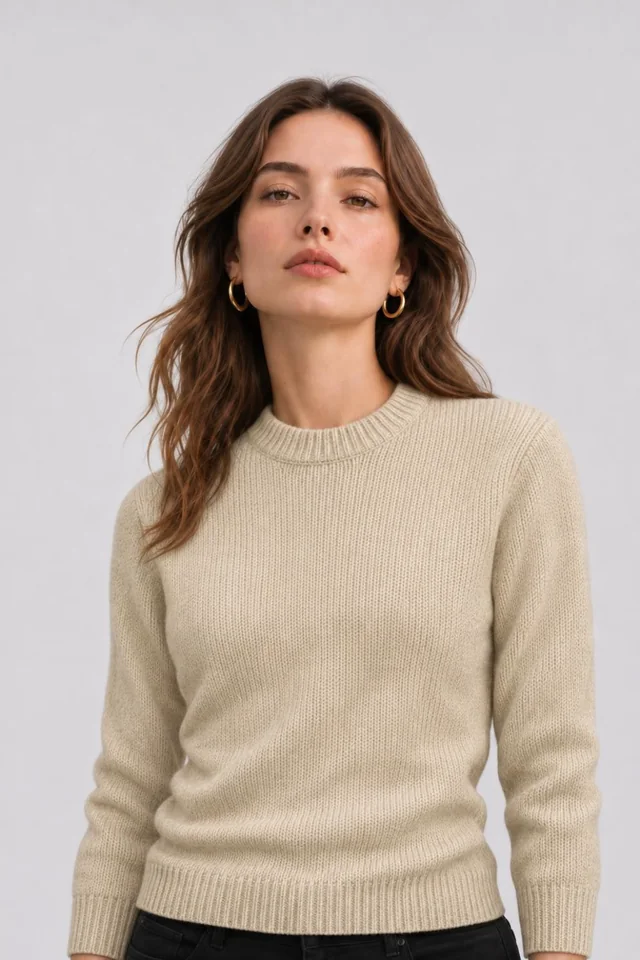
Start with a clear photo of one person facing the camera, then add a clothing item or pick one from the Tavlum catalog.
How it works
- Add a photo of yourself.
- Upload a clothing item or choose one from the catalog.
- Generate and compare your preview with the original.
Good to know
Use photos you own or have permission to use. Even light and a plain background give the clearest results. AI previews do not show real fit, size, or exact color.
AI previews are illustrative and do not determine sizing, physical fit, or exact colors.
Common questions
How does photo try-on work?
Upload a photo of a person and a garment image. Tavlum swaps the clothing and aims to keep your face, pose, lighting and background. Compare the result with the original, because details can change.
What kind of photo works best?
A sharp, well-lit photo of one person with the clothing area clearly visible. Use a full-body photo for pants, dresses, or shoes.