 Tavlum
Why preview it first
Earrings are small, but they change how your face, neck and hair look together. The length of a drop, the size of a hoop and the colour of the metal all matter, and it is hard to judge them from a photo of a model.
Seeing a few pairs on your own photo helps you choose the size and style that suits you, with your hair and clothes.
Tavlum changes only what you describe and is meant to leave the rest of the photo as it was, so the comparison shows the change rather than a different photo.
What we tested
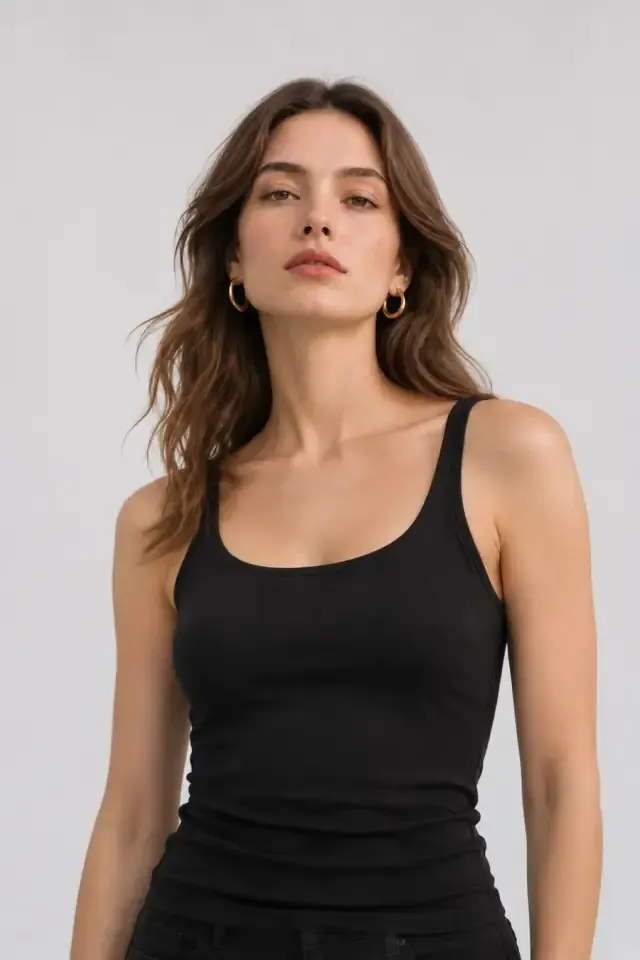
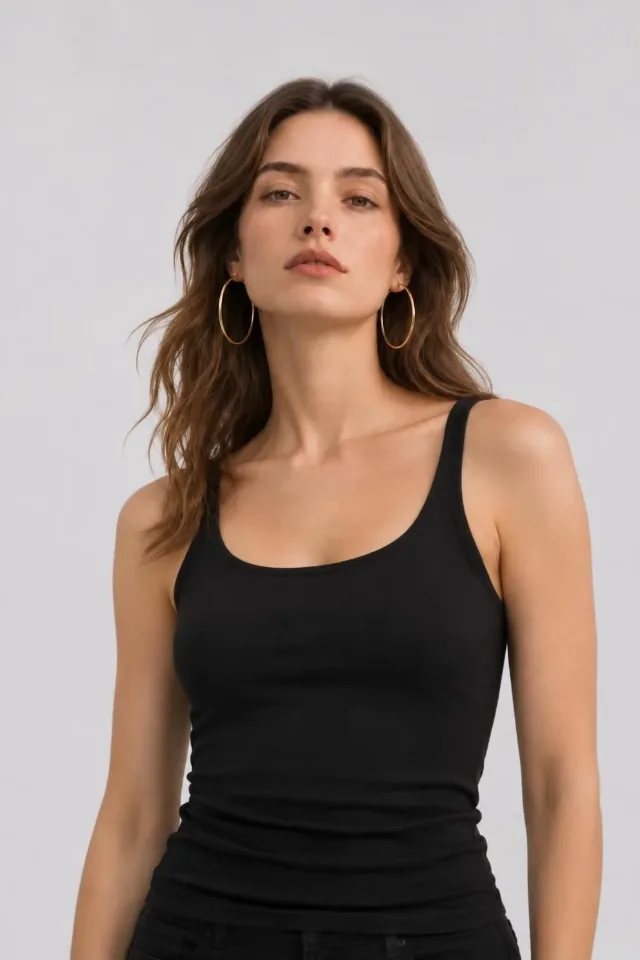
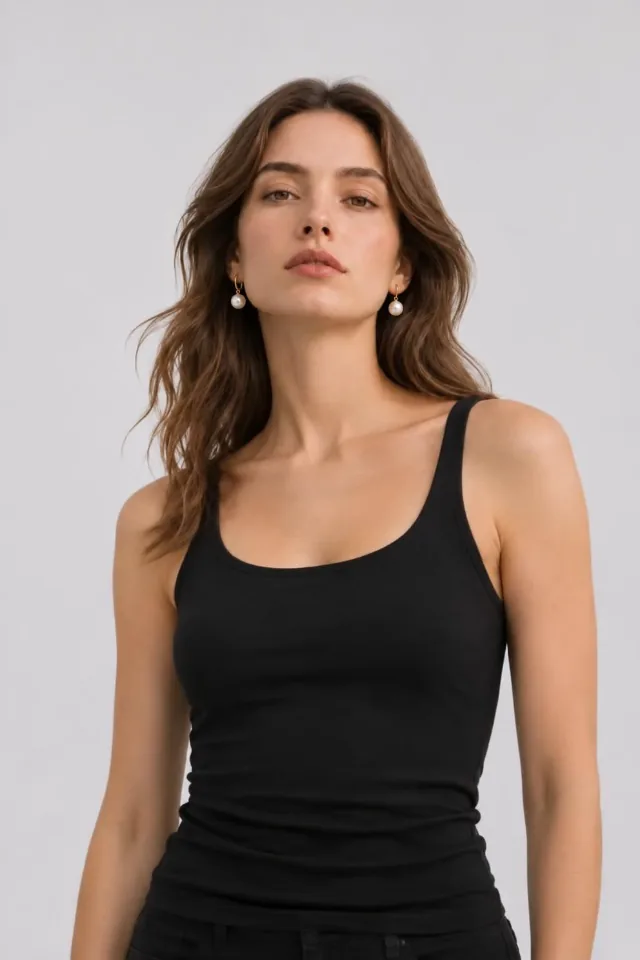
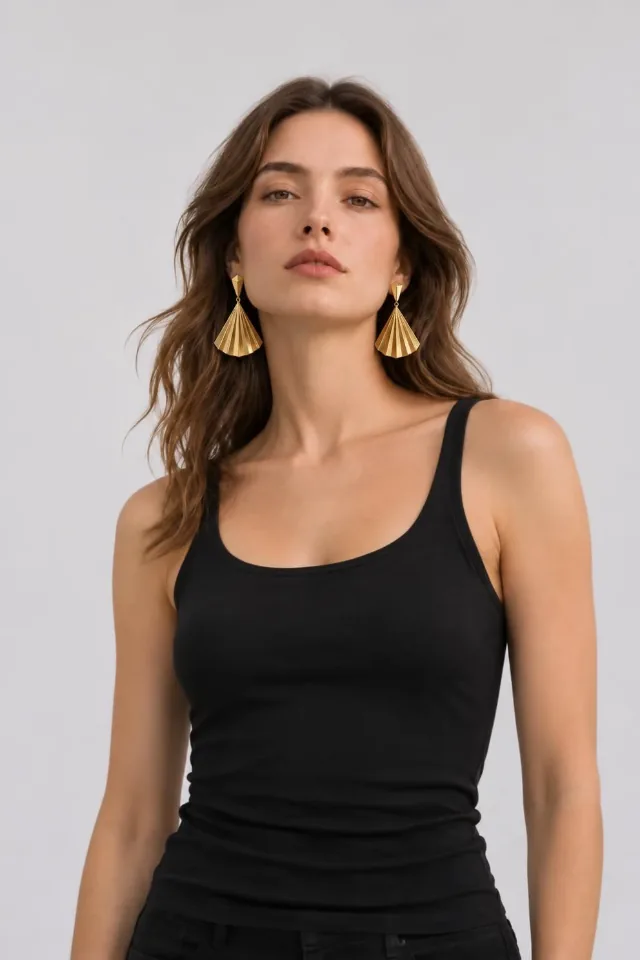
We ran three prompts on the same front-facing portrait on 27 Nov 2026, using Tavlum's Free Edit with a short text description and no reference image. Each run used 1 credit.
- Large gold hoops: thin gold hoops about 5 cm across.
- Pearl drops: white pearl drops on short gold hooks.
- Statement earrings: long gold geometric fan earrings to the jawline.
In all three results her face, skin, expression, pose and the grey background stayed close to the original. The old earrings were replaced in each run and her face, hair and clothes stayed close to the original. The statement pair made the biggest change because it reaches the jawline. The pearls were the most subtle. Earrings are small in a portrait, so zoom in on the result to check the details. Each result above sits next to its original photo, so you can compare the details for yourself before trying your own.
How to do it with your own photo
- Upload a clear, front-facing photo. Face the camera in soft, even light, with your face, hairline and shoulders visible. A plain wall behind you keeps edges clean.
- Describe the change. Say the type, size, material and colour, for example "large thin gold hoops about 5 cm across" or "white pearl drops on short gold hooks".
- Add a reference photo if you have one. A product or inspiration photo helps the AI match a specific item. Make sure you have the right to use it.
- Generate and compare. Drag the slider over the result to see exactly what changed. Change one detail at a time and generate again, so you can see what each choice does.
- Save the ones you like. Keep your favourite results side by side in your history and use them to decide what to buy, book or try in person.
Getting a realistic result
- Keep your face straight to the camera. A tilted head or strong side angle makes the result less even.
- Use soft daylight. Harsh shadows and backlight hide edges and change colours.
- Pull hair away from the area you are changing, unless the change is the hair itself.
- Avoid busy backgrounds. Thin edges stay crisp against a plain wall.
- Repeat the run. Two runs with the same description can differ a little, so generate again if one detail looks off.
Putting the whole look together
Accessories work together with your hair, clothes and other jewellery. A large hat or bold earrings can look great on their own but compete with each other, so try one change at a time first, then combine your favourites in a second run on the saved result.
Think about where you will wear them. A preview on a plain grey background shows the shape and colour clearly, but the same piece can feel different with a busy outfit or in bright sunlight. Saving a few results from your history makes it easy to compare them later, or to share them with a friend before you buy.
Earring styles worth comparing
- Hoops: From small huggies to large statement hoops.
- Studs: Small and simple for every day.
- Drops: Add length and movement.
- Statement: Bold shapes for evenings and events.
- Metals: Gold, silver and rose gold each change the look.
Who this helps
- People buying earrings online.
- Anyone choosing jewellery for an event or wedding.
- Gift buyers comparing a few options.
- Jewellery shops showing customers how a pair looks.
What a preview can and cannot do
An AI preview redraws part of your photo. It is meant to keep everything else the same, but small details near the change, such as stray hairs, jewellery or the edge of clothing, can shift a little. It does not measure you, so it cannot tell you about size, fit or comfort. Use it to compare looks and narrow down choices, then check the real thing. If a result looks wrong, generate again or change one word in your description; failed generations are refunded automatically.
Check the real thing before you buy
A preview shows the look of earrings on your photo. It cannot show the weight, the fastening or how they feel. Check the size in millimetres and the metal on the product page, especially if you have sensitive ears.
AI previews are illustrative and may alter small details. They do not determine size or fit.